set the start.
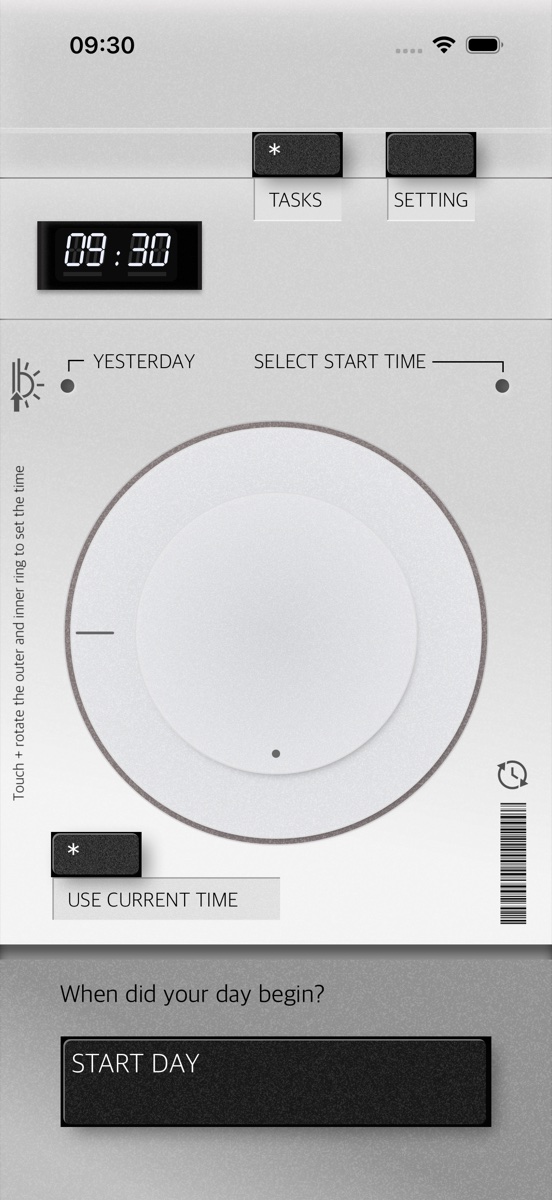
dial in when your workday began on the rotating clock face, or tap USE CURRENT TIME if you're starting now. press START DAY and the chassis lights up.
fig. 02 · day · pick a start time
タスクをはなす
tasuku o hanasu
001 · voice time tracker
press the record button. name what you're doing. release.
the lcd starts timing. end of day, one markdown file in your icloud.

press. speak. release.
no menus. just the mic.
eight things the device does, from set-up to checkout.
dial in when your workday began on the rotating clock face, or tap USE CURRENT TIME if you're starting now. press START DAY and the chassis lights up.
fig. 02 · day · pick a start time
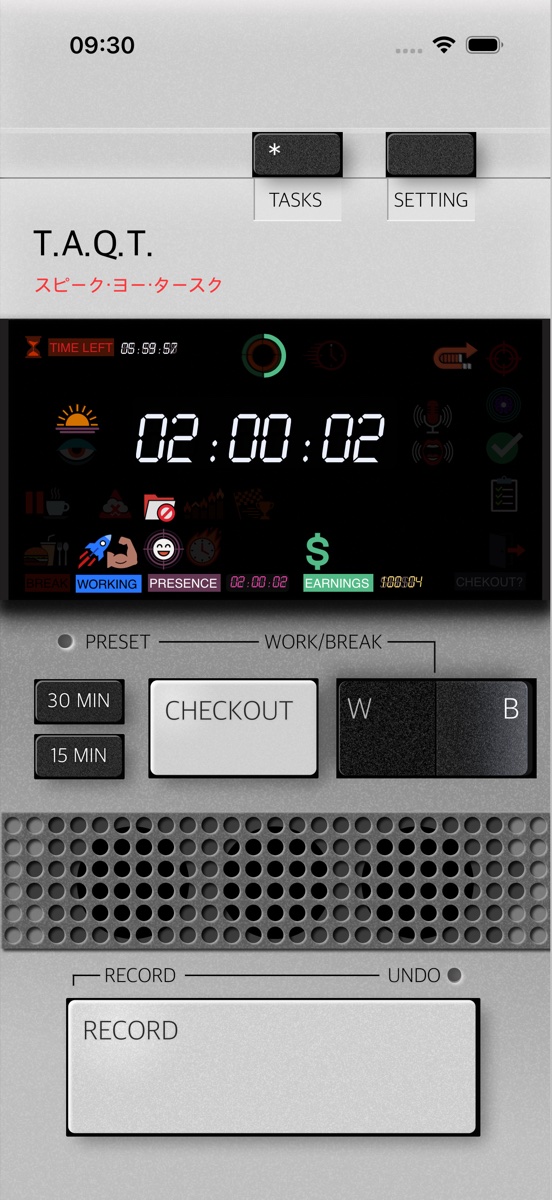
blue lcd counts up your worked time. presence, earnings, target-progress and break-balance sit in the icon strip. a heartbeat icon pulses so you know the device is awake.
fig. 03 · working · day in progress
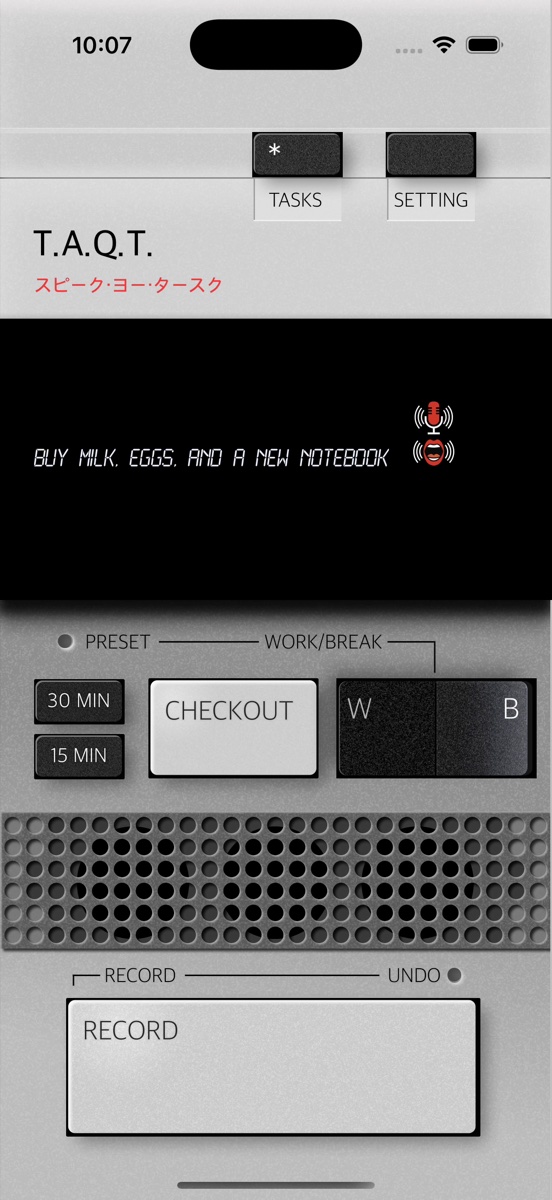
the big red button sits under the speaker grille. press it, say what you're doing, release. the lcd starts timing. if you let go too soon, the undo bar gives you one tap to bring the task back.
fig. 04 · record · live capture
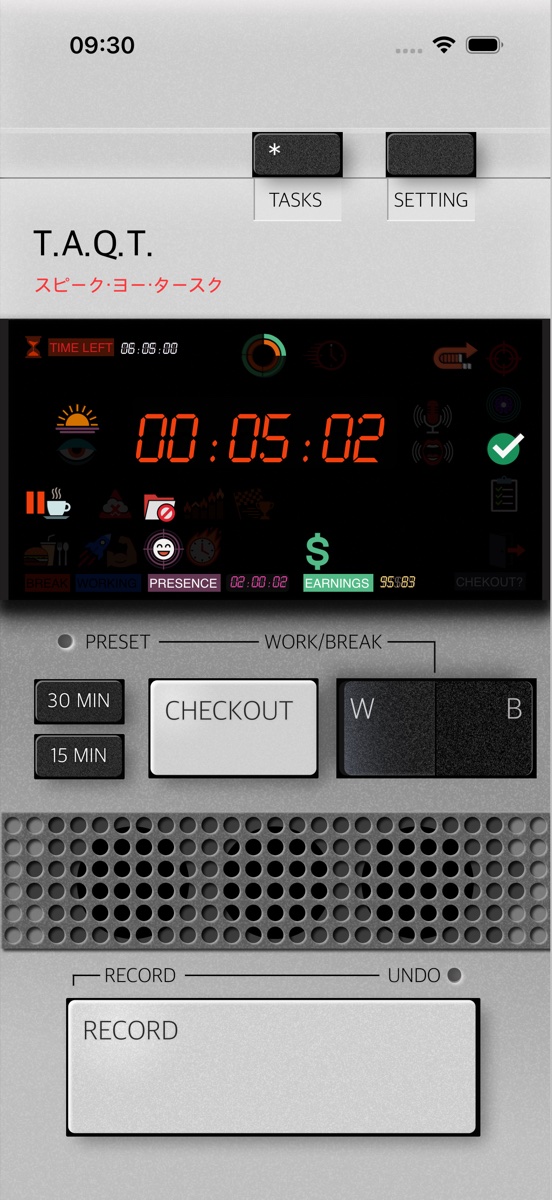
lcd switches from cool blue digits to warm orange. break time tracks separately so it never bleeds into work. release the break to return to work.
fig. 05 · break · open-ended
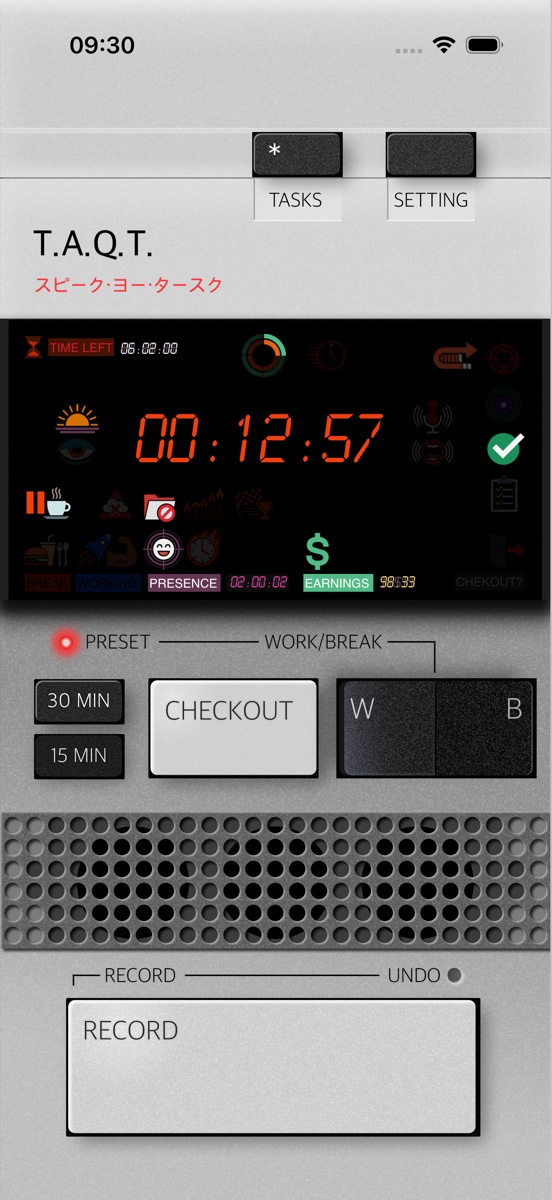
latch 15 min or 30 min. preset led lights red, lcd counts down. when it hits zero you're back to work. no separate timer app needed.
fig. 06 · break · 15 min preset
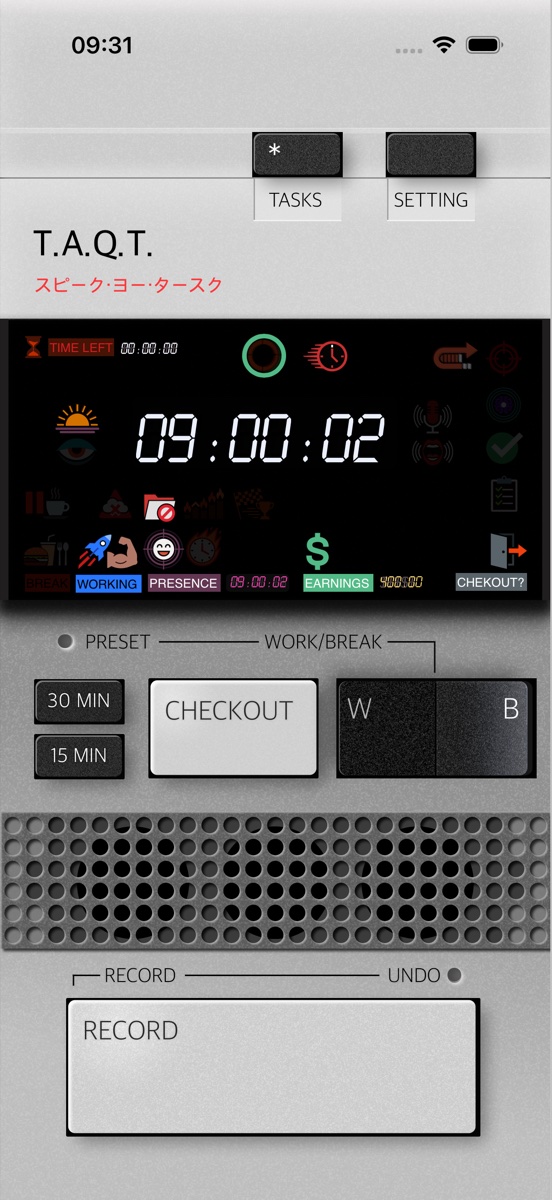
cross the daily target and the overtime icon lights up. the dayratio ring wraps past its 8 h fill into overtime territory.
fig. 07 · overtime · 9 h elapsed
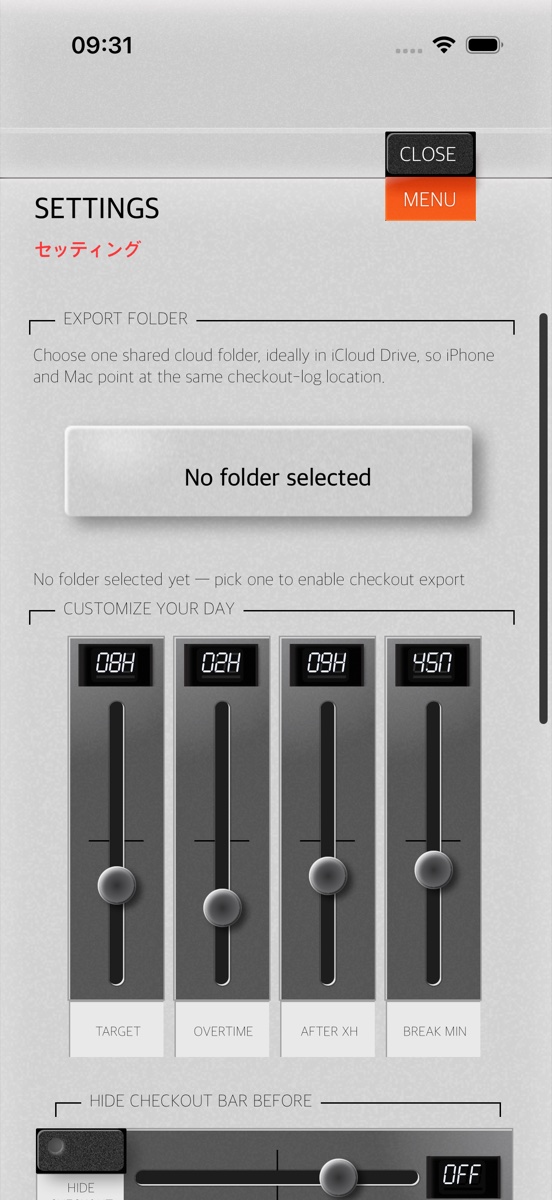
pick an export folder in settings. taqt writes day state and markdown checkouts there. no account, no server, no copy on someone else's database.
fig. 08 · settings · export folder
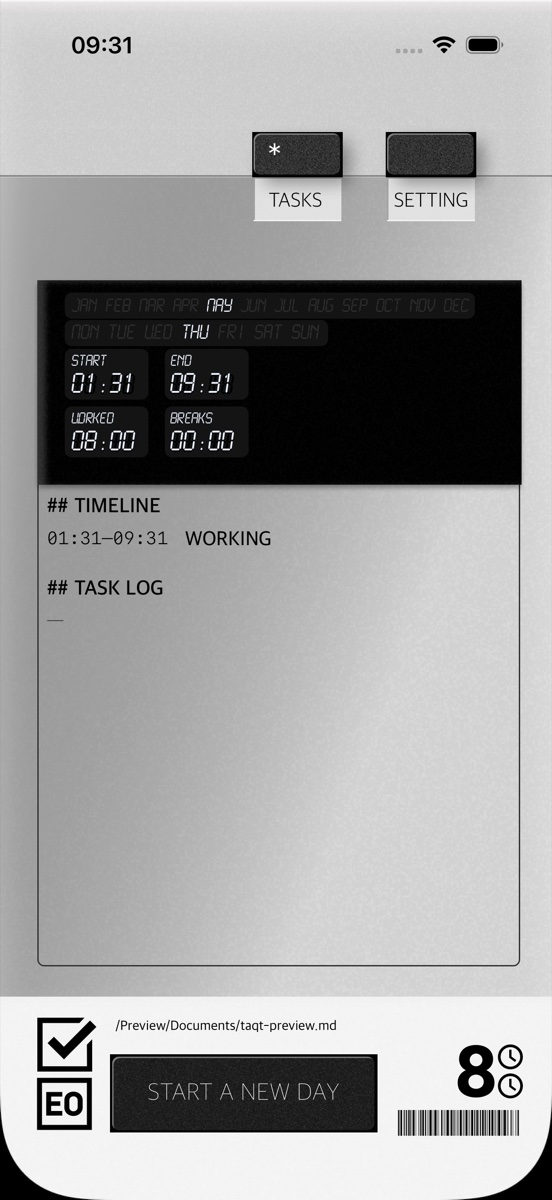
at checkout, taqt writes taqt-yyyy-mm-dd.md to your icloud drive. inside: overview, timeline, full task log, time summary. open it in obsidian or vs code or whatever else reads text.
fig. 09 · checkout · day summary
what the device does, what it doesn't, what's next.
| capture | record button, hold to speak | on-device speech recognition | live transcript while held | undo bar for premature release |
|---|---|---|---|---|
| breaks | open-ended or latched preset | 15 min / 30 min hardware buttons | preset led while active | lcd switches to break-orange |
| output | one .md file per day | overview · timeline · task log · summary | plain text, no proprietary format | saved to your export folder |
| compatibility | iphone | ios 17 or later | icloud drive enabled | 3.99 usd on the app store |
every day, taqt writes one .md file to a folder in your icloud drive. the file name carries the date, the content is plain text.
# taqt-2026-05-28

day target: 8h 00
worked:     8h 12  ✓ (+0h 12)
break:      0h 45
presence:   9h 12

## timeline

| start | end   | duration | mode    |
|-------|-------|----------|---------|
| 09:00 | 11:32 | 2h 32    | work    |
| 11:32 | 12:02 | 0h 30    | break   |
| 12:02 | 13:00 | 0h 58    | work    |
| 13:00 | 13:30 | 0h 30    | lunch   |
| 13:30 | 18:00 | 4h 30    | work    |

## task log

- 09:00 · start day
- 09:02 · q2 review draft
- 11:32 · break
- 12:02 · email batch
- 13:00 · lunch (preset 30)
- 13:30 · feature spec writeup
- 18:00 · checkout

---
generated by taqt · iphone · v1.0
open it in obsidian, vs code, bear, textedit. anything that reads text reads this.
every glyph the display can light. context for what the device is telling you.

lit while you're on the clock.

coffee or short rest. tracked separately.

the longer break. distinct icon, distinct mode.

you've hit ≥99 % of the daily target. wrap up.

lit while the record button is held.

brightness tracks your live audio level.

past your daily target. accumulating.

you've hit the configured legal limit.

slow pulse. the device is breathing.

remaining work vs. today's target.

two rings: break vs. target, worked vs. target.
wallclock at the office. first arrival → now.

today's accumulated. golden digits.

you started before 8 am. nice.

after 10 am. gentle nudge.

you've already paused today.

voice tasks live in today's session.

icloud sync failed. devices may diverge.

pick an export folder in settings.
just make it simple.
design notes, 2025